Control local Codex from your phone.

Read the live run, approve risky steps, and send the next prompt while Codex stays on your own machine.

  • Watch the live thread Get the context you need before you intervene, without needing remote desktop.
  • Approve the next step Securely handle commands and file writes from a trusted mobile control surface.
  • Keep the same machine reachable Pair once on the desktop that already runs Codex, then keep that same machine reachable.
  • Pair in 2 minutes Run one command on desktop, then scan once on your phone.
  • Truly local-first Codex and your code stay on the machine that already runs them.
  • Trial starts when ready The trial starts only when the first machine reaches Codex ready.

Create the account free. The 72-hour trial starts only when your first desktop reaches Codex ready. After that, FlyDex Pro is $10/month.

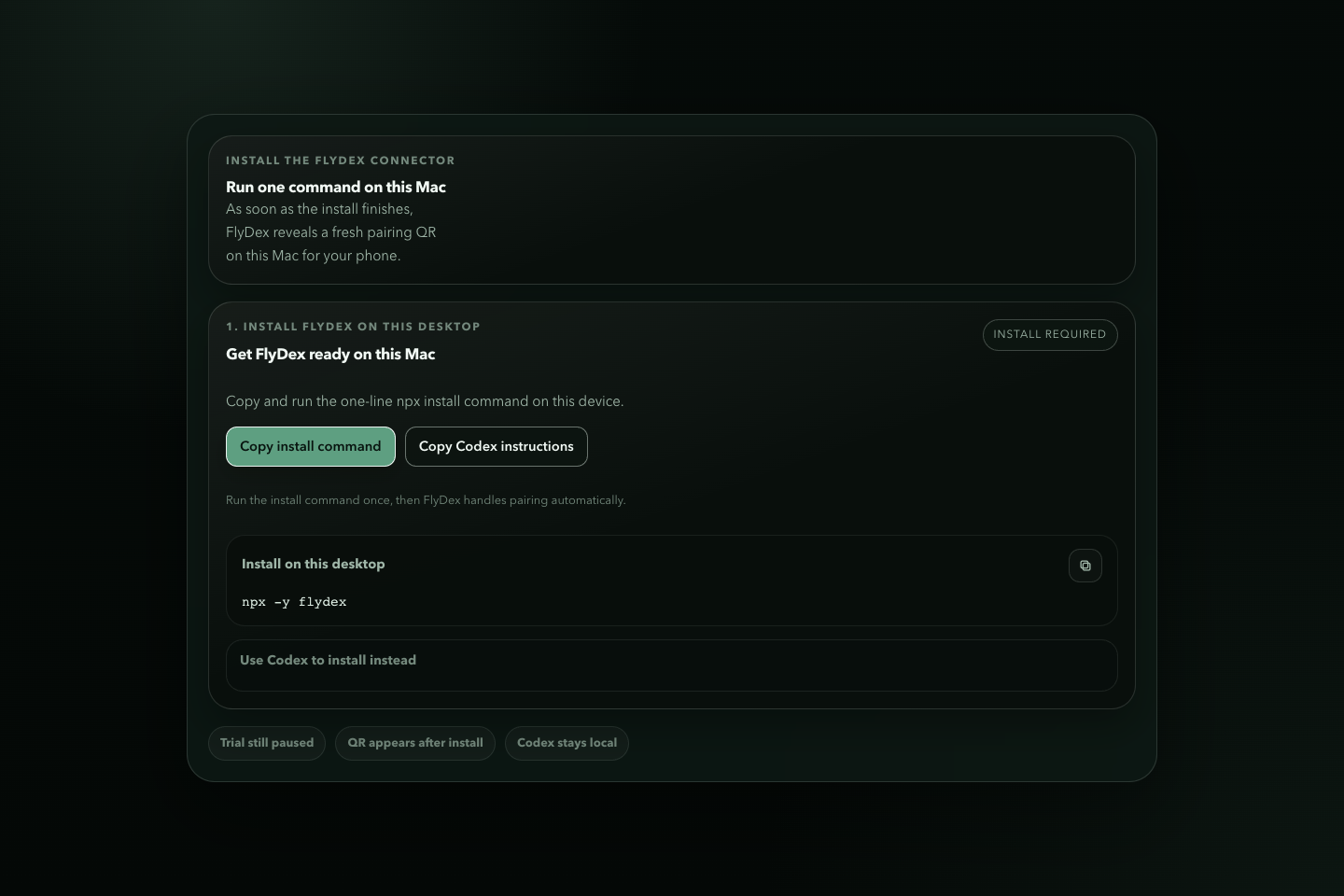
  1. Run npx -y flydex on the desktop once.
  2. Or ask Codex: Run npx -y --prefer-online flydex@latest and finish FlyDex setup for me.

What FlyDex actually gives you

Safe preview copy only. No private repos, no real prompts, no hidden setup wizard.

Sanitized FlyDex product proof showing the desktop setup surface, the phone control surface, and the local-first Codex workflow.
Product proof Sanitized captures from the actual FlyDex flow: desktop setup, phone control, and the QR-first pairing handoff.
  • Desktop thread contextSee which Codex run is blocked and why.
  • Remote approvalsApprove risky commands or file writes from your phone.
  • Follow-up promptsSend the next prompt without reopening the laptop.
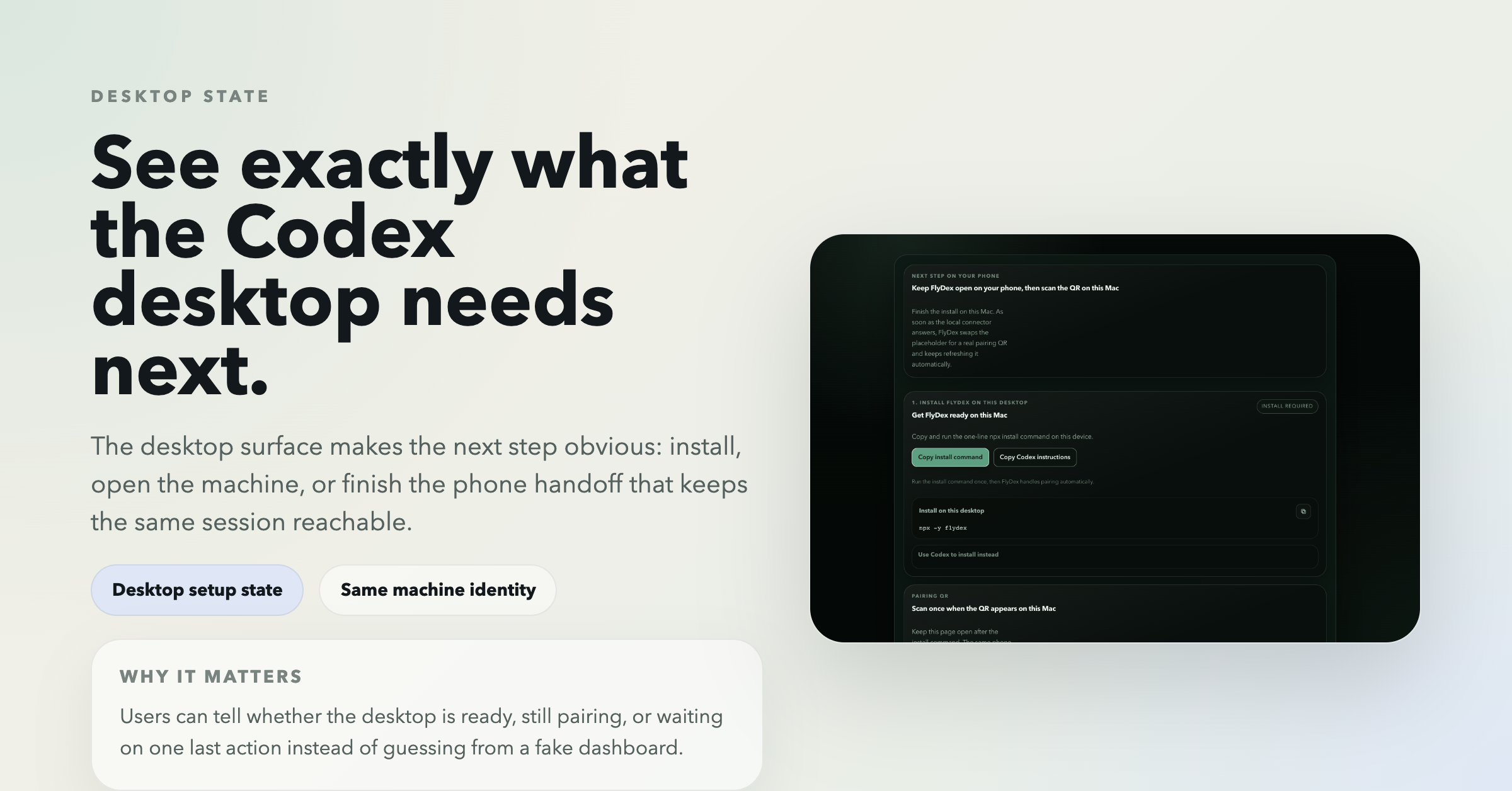
Sanitized FlyDex desktop setup surface showing what the Codex machine needs next.
Desktop state

See exactly what the Codex desktop needs next

The desktop surface makes the next step obvious: install, open the machine, or finish the phone handoff.

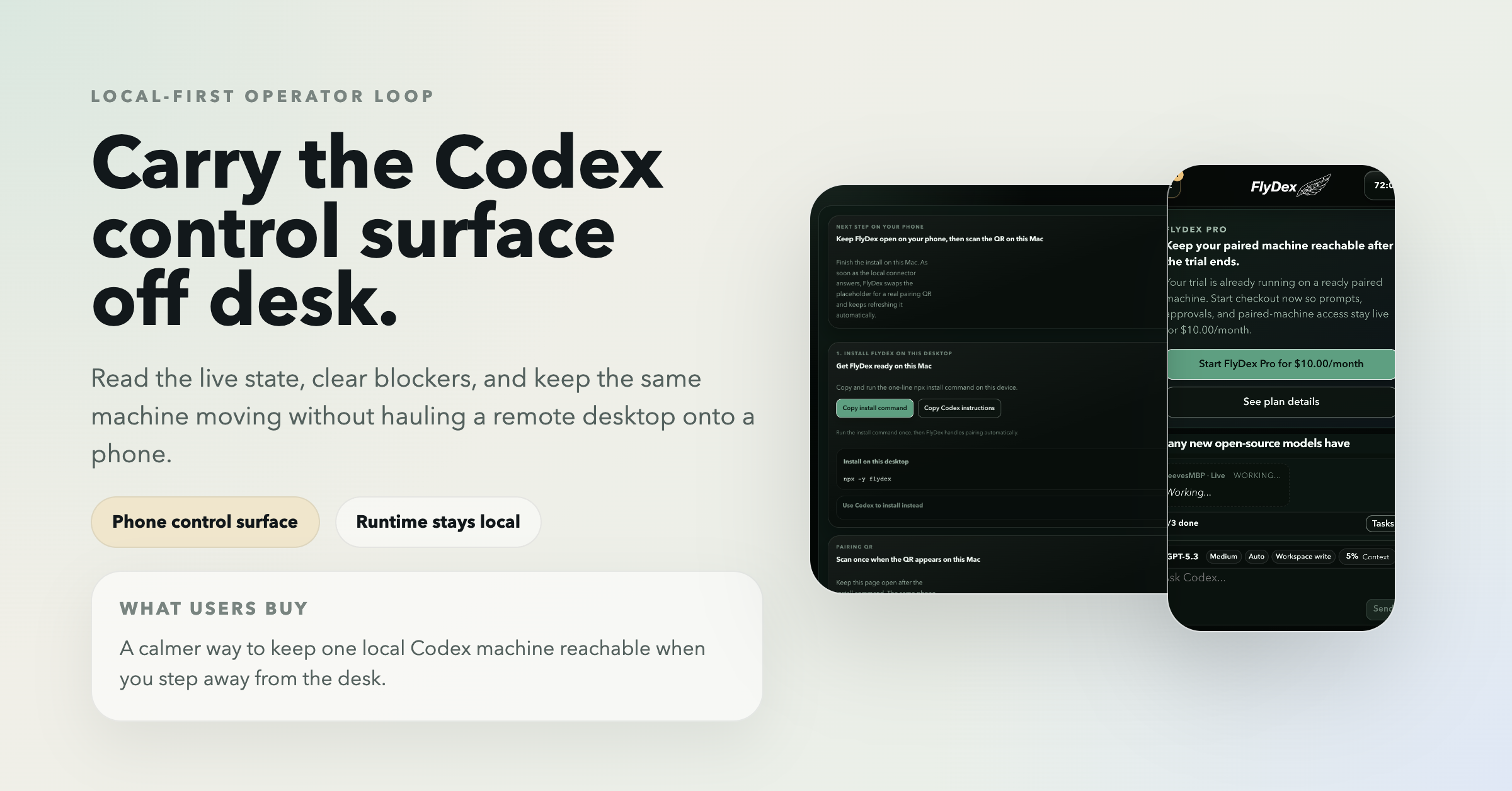
Sanitized FlyDex phone control surface used to read the run, clear blockers, and keep the session moving.
Phone control

Carry the run off desk without moving the runtime

Use the phone surface to watch the run, clear blockers, and keep the same local session moving.

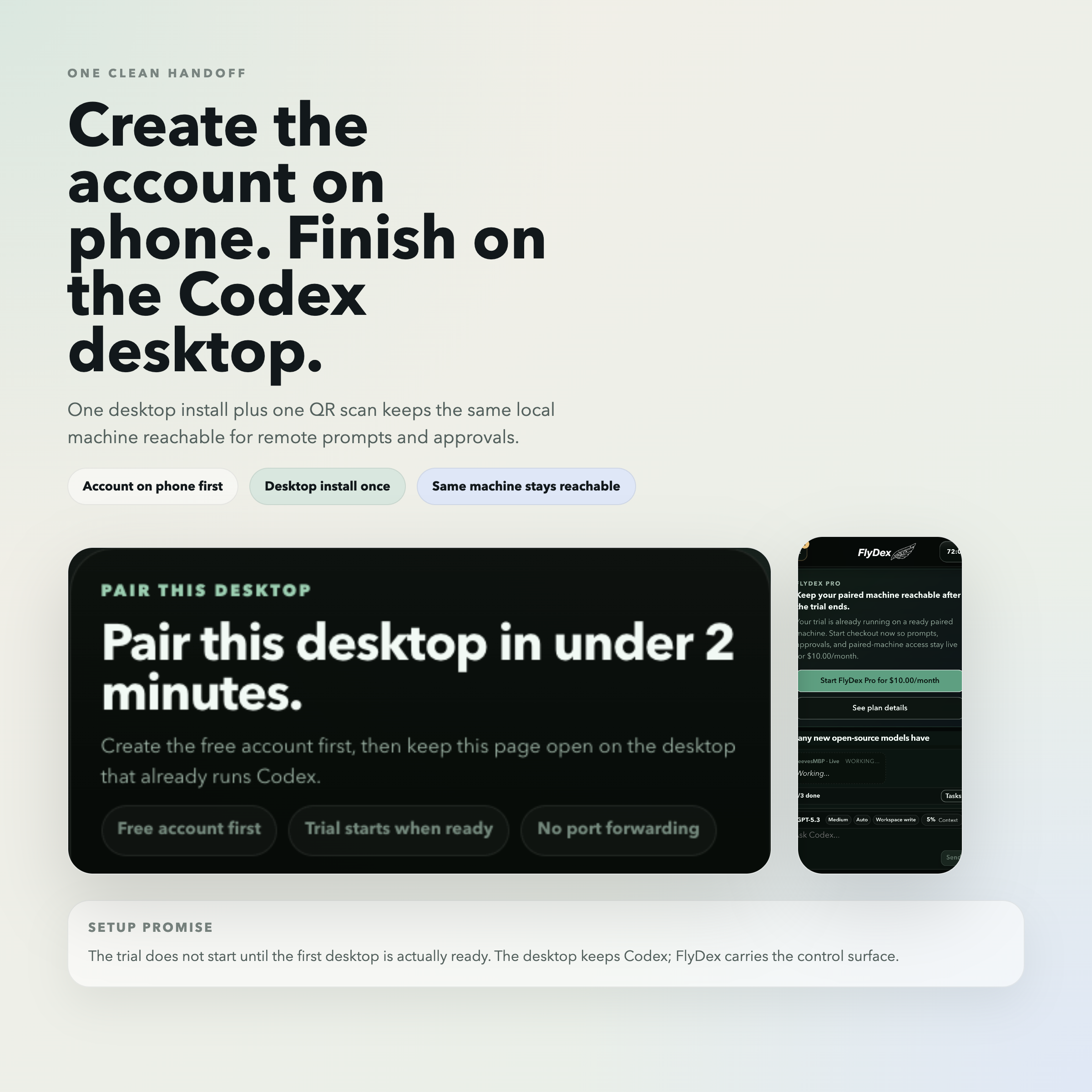
Sanitized FlyDex pairing flow showing the desktop QR handoff and phone connection step.
Pair once

Use one desktop install plus one QR handoff

Create the account on phone, finish on the desktop that runs Codex, and keep that same machine alive.

Run one command. Scan one QR.

Questions before you install?

What can I do once a machine is paired?

You can read active Codex threads, send new prompts, monitor progress, and handle approvals for commands or file writes from your phone or browser.

Why use FlyDex instead of remote desktop?

Remote desktop is heavy, awkward on a phone, and exposes far more of your machine than you need. FlyDex focuses on the Codex workflow itself: threads, prompts, approvals, and continuity.

How fast is setup?

Run one npx command on the Mac or Windows PC running Codex, then scan the QR with your phone. Most people can pair their first machine in a few minutes.

Does FlyDex keep Codex and my repo on my machine?

Yes. Codex stays on your own desktop. FlyDex handles account, machine, billing, and connection metadata, but your prompts, thread bodies, and Codex output are not stored at rest in FlyDex.

Is FlyDex secure?

Yes. FlyDex is designed to keep your desktop private and under your control. Pairing links are short-lived and single-use, the local connector listens only on 127.0.0.1, and higher-risk actions like commands or file writes still ask for approval in the UI.

How much does FlyDex cost?

Creating the account is free. The one-time 72-hour full trial starts only when your first desktop reaches Codex ready. After that, it is $10 per month to keep remote prompts, approvals, and paired-machine access live.

Need help? Email us at support@flydex.net